



Deliver Better with Zoho
Projects in Saudi Arabia
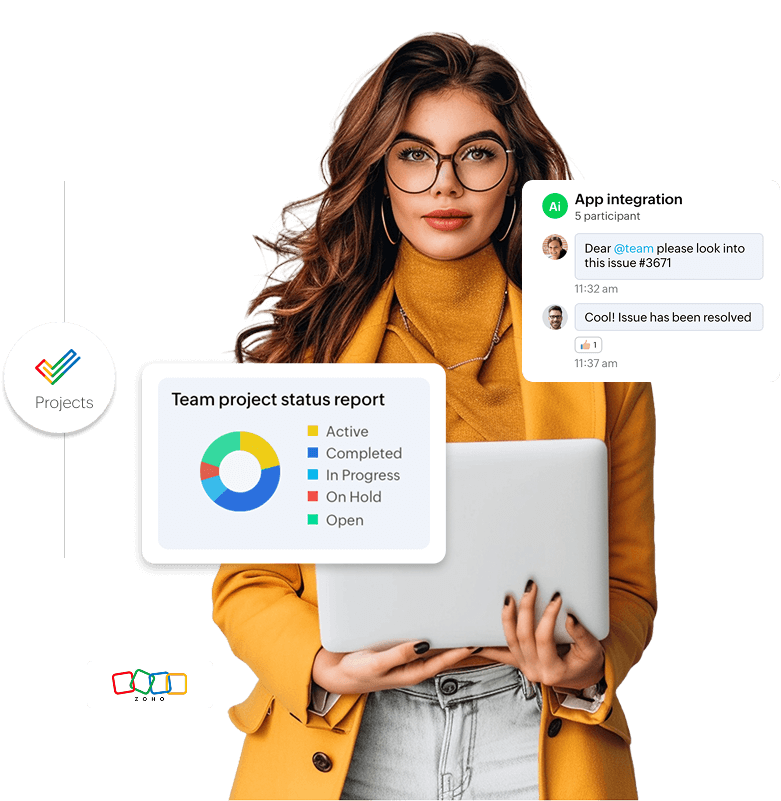
Key Features of Zoho Projects
Task Management
Workflow Automation
Time Tracking
Team Collaboration
Issue Tracker
Project Progress & Employee Workload Reports
What Can You Do
with Zoho Projects Dashboard?

01
Plan Your Projects

02
Assign Tasks

03
Visualize Progress
Zoho Books is ZATCA Phase 2 compliant, ensuring your e-invoices meet all local electronic invoicing standards. File VAT returns accurately and manage corporate tax calculations from a unified dashboard.

04
Facilitate Collaboration

05
Generate Invoices
How Zoho Projects Makes a
Difference for KSA Businesses
Managing projects under tight timelines, budgets, and distributed teams across Saudi Arabia can be challenging. Zoho Projects empowers you with structure, transparency, and productivity.

Optimized Resource Utilization

Real-Time Visibility for Stakeholders

Streamlined Issue Resolution

Mobile Access

Scalable Features

Data-Driven Decisions
Why Choose Zoho Projects
for Your Saudi Business?
Arabic-English Interface
with RTL Support

VAT-Compliant Financial
Tools

Cloud-Based & Fully
Customizable

Multi-Currency Support for Global Clients

Mobile Access for On-the-Go Teams

Cost-Effective & Scalable Solution
Why Choose Zocoden
Technologies?
Automate Workflows with
Blueprints

Integrate with Your
Existing Tools
Turn Data into Insights
Ready to Transform Your Saudi
Business?
We’ve implemented Zoho Projects for hundreds of businesses across Saudi Arabia and the GCC region. Connect with our certified Zoho experts today to get started.
FAQs
Zoho Projects in Saudi Arabia
What is Zoho Projects and how is it used in Saudi Arabia (KSA)?
Is Zoho Projects VAT-compliant in KSA?
Does Zoho Projects support Arabic / RTL / bilingual interface?
What integrations does Zoho Projects support (in Saudi Arabia)?
Zoho Projects integrates with:
- Zoho Books / Zoho Invoice
- Zoho CRM
- Google Workspace, Microsoft Teams, Slack, etc.
- Local or third-party HR / accounting / ERP systems (via API)
I enabled Zoho Books integration but I can’t see the “Finance” tab in Zoho Projects — how can I enable it?
To enable the Finance tab:
- Navigate to the specific project, click “More → Organize Tabs” and add the Finance tab.
- Then go to Setup → Marketplace → Zoho Apps, update Zoho Books / Invoice settings, and grant access to profiles that need use of Finance features. Zoho
Can I change the primary customer of a project after transactions are created?
If no timesheet / billing transactions have been generated yet, yes — you can change the primary customer and sync it to Zoho Books. If transactions already exist, changing the primary customer is not possible.
How do I sync existing projects already in Zoho Books to Zoho Projects (for KSA)?
The integration is a one-way sync: projects in Zoho Projects (with primary customers) sync to Zoho Books. Projects created only in Zoho Books usually do not sync back to Zoho Projects.
Which mobile platforms does Zoho Projects support?
Zoho Projects supports:
- Android (version 4.1 and above)
- iOS (version 5.1 and above)
Which web browsers and versions are supported by Zoho Projects?
Supported modern browsers include:
- Chrome (v80+)
- Firefox (v74+)
- Safari (v14.1+)
- Microsoft Edge (Chromium, v80+)
It’s best to use up-to-date browser versions for full compatibility.
Is there a free trial / demo available for Zoho Projects in Saudi Arabia?
Yes — Zoho generally provides a free trial period (e.g. 15 days) so you can test out Zoho Projects (Premium/Enterprise features) before full purchase.
How secure is Zoho Projects for Saudi businesses?
Can I use Zoho Projects for remote / distributed teams across KSA?
What is the cost / pricing model for Zoho Projects (in Saudi Arabia)?
Can we migrate from another project management tool to Zoho Projects?
Do I need a local Zoho implementation partner in Saudi Arabia to deploy Zoho Projects?
While not mandatory, having a Zoho Projects partner in Saudi Arabia / Riyadh is highly beneficial — they understand local compliance, vocabulary, integrations, Arabic setups, and can ensure smooth deployment.